

How do I redeem Next Level Marketing AI codes?
1: Log in to your account using this link: Login Link
(or register here: Register Link)
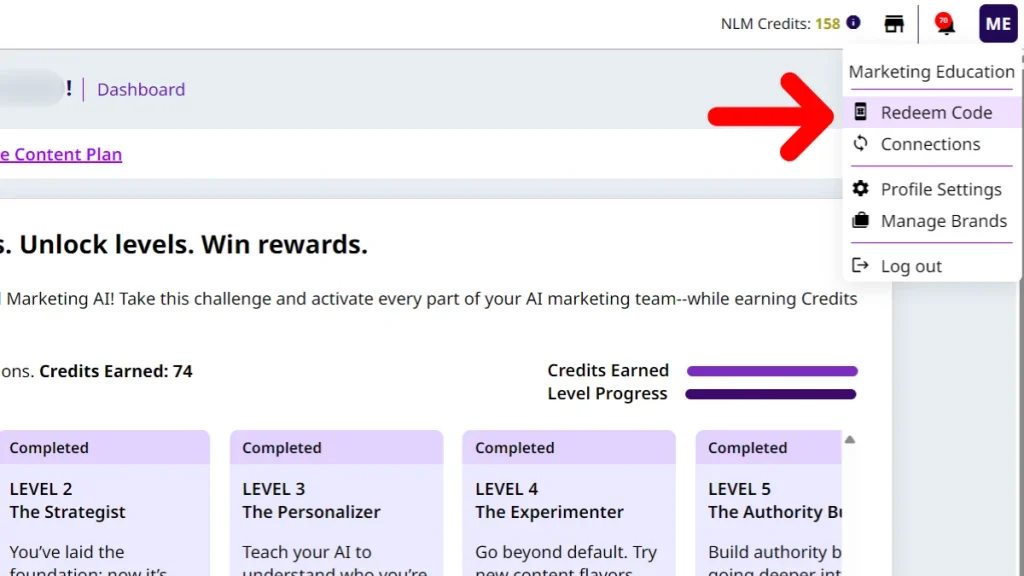
2. In the top-right corner, hover over your profile name and click “Redeem Code”
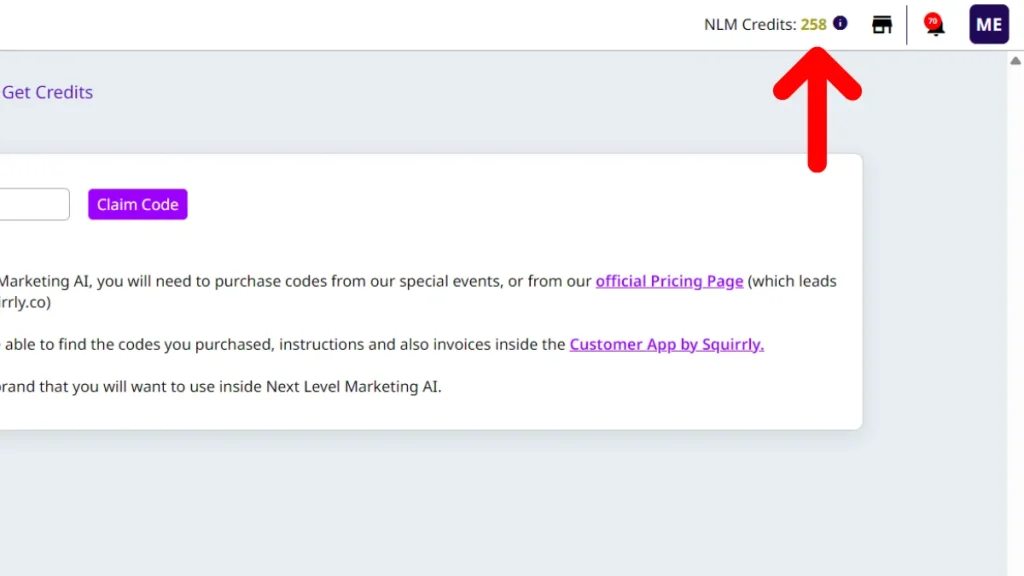
3. Enter your code and click “Claim Code”
4. That’s it, your credits will appear in the top-right corner, next to NLM Credits

Where do I get codes?
To get credits for Next Level Marketing AI, you need to purchase codes:
- from special events, or
- from our official Pricing Page (which leads to our check-out page from within squirrly.co)
After purchase, you’ll find your codes, instructions, and invoices inside the Customer App by Squirrly.
Important: You need to redeem codes inside each brand where you want to use Next Level Marketing AI.
